


Research to study coastal habitats, sea life, threats to humans
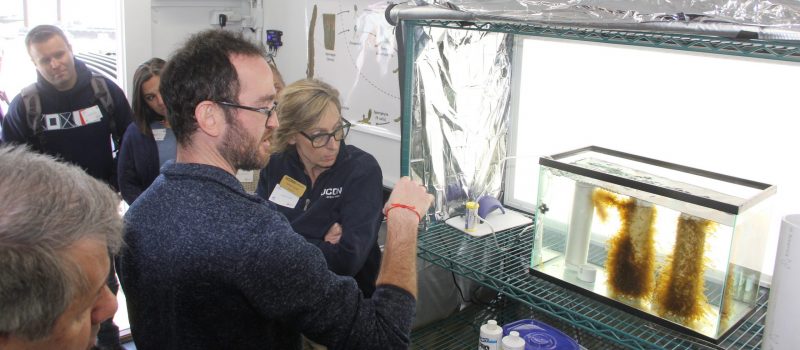
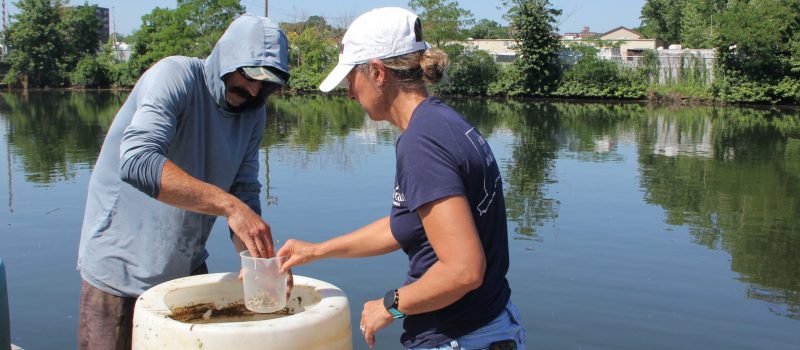
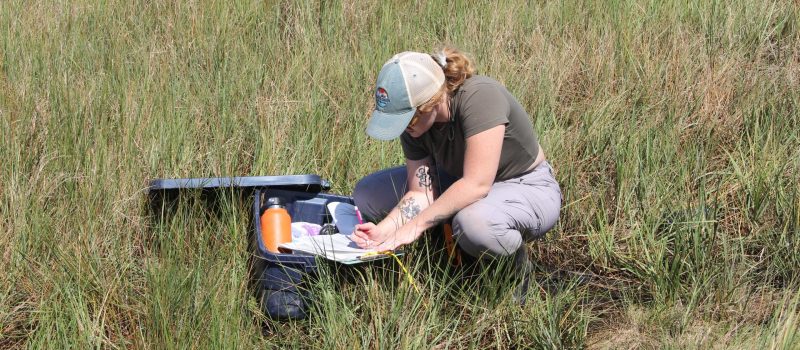
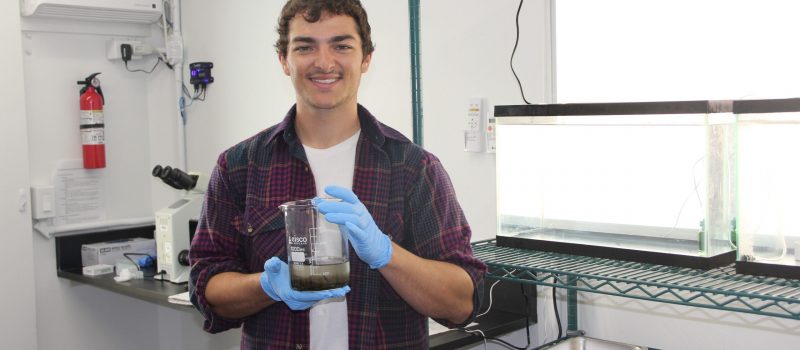
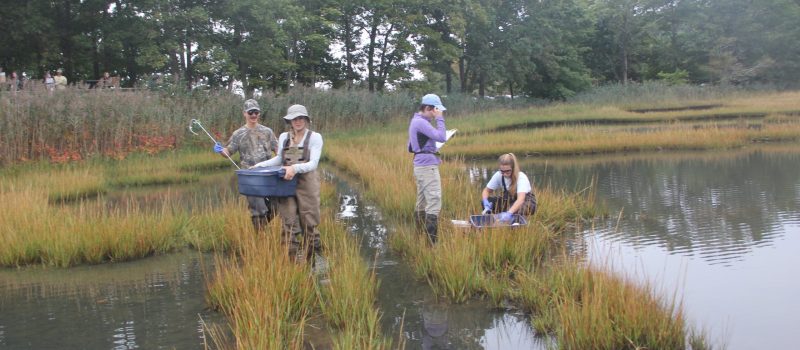
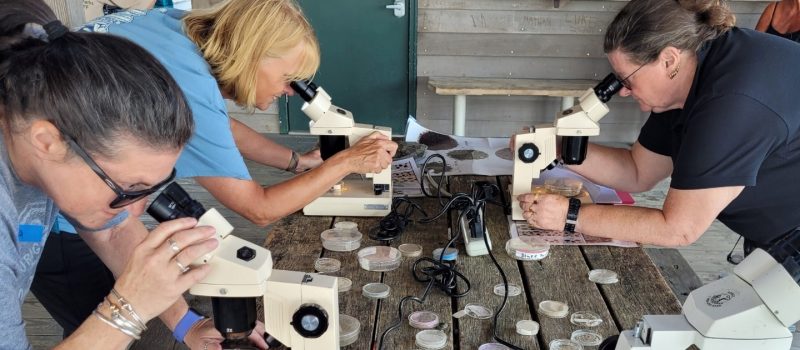
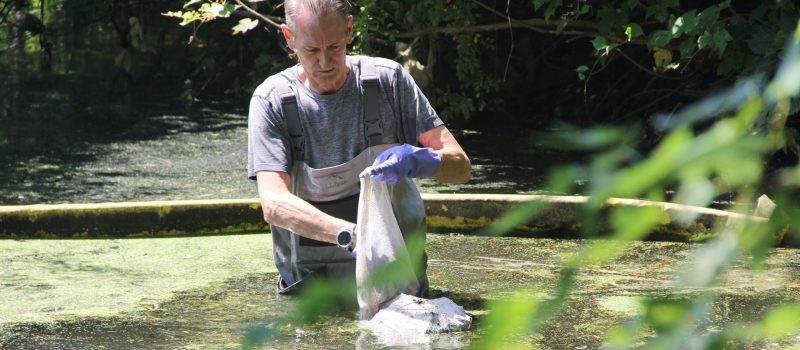
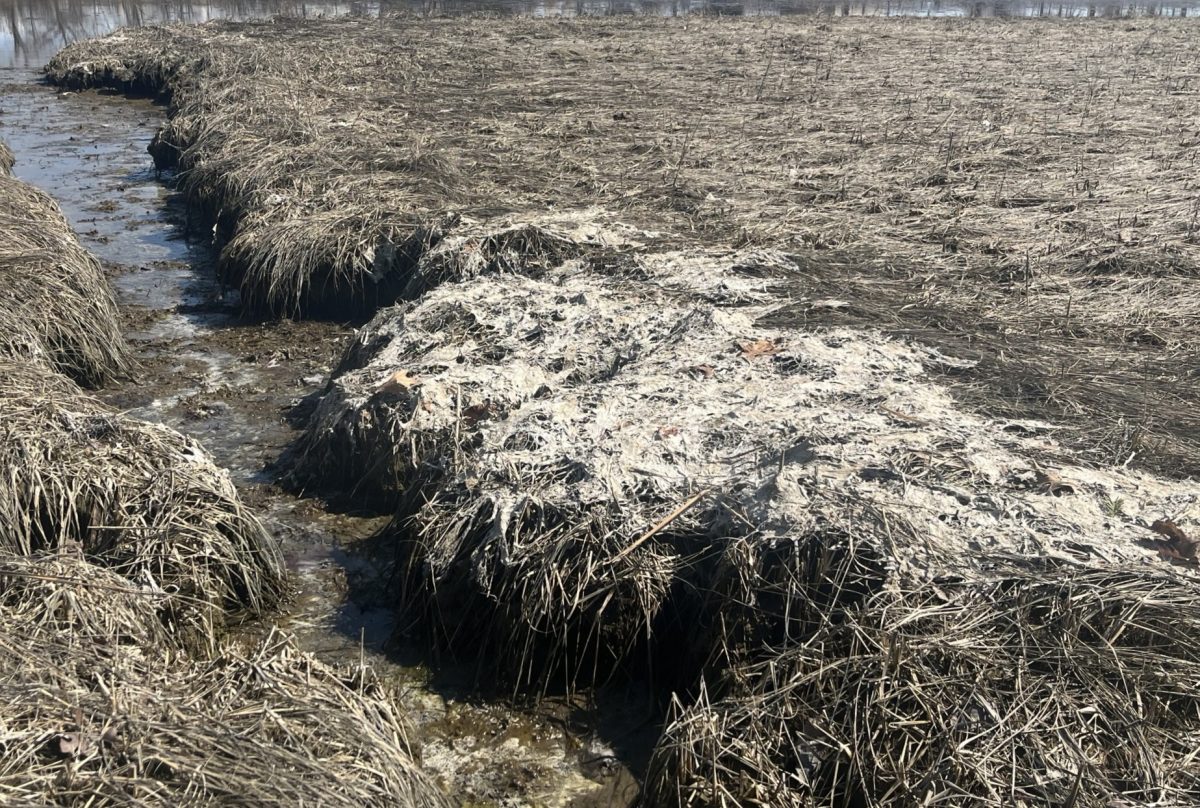
Six research projects on coastal and marine questions—focusing on salt marshes, microscopic sea creatures, shellfish and seaweed aquaculture, coastal flooding and public willingness to invest in state park resilience projects—have been selected for funding by CTSG
[Read More]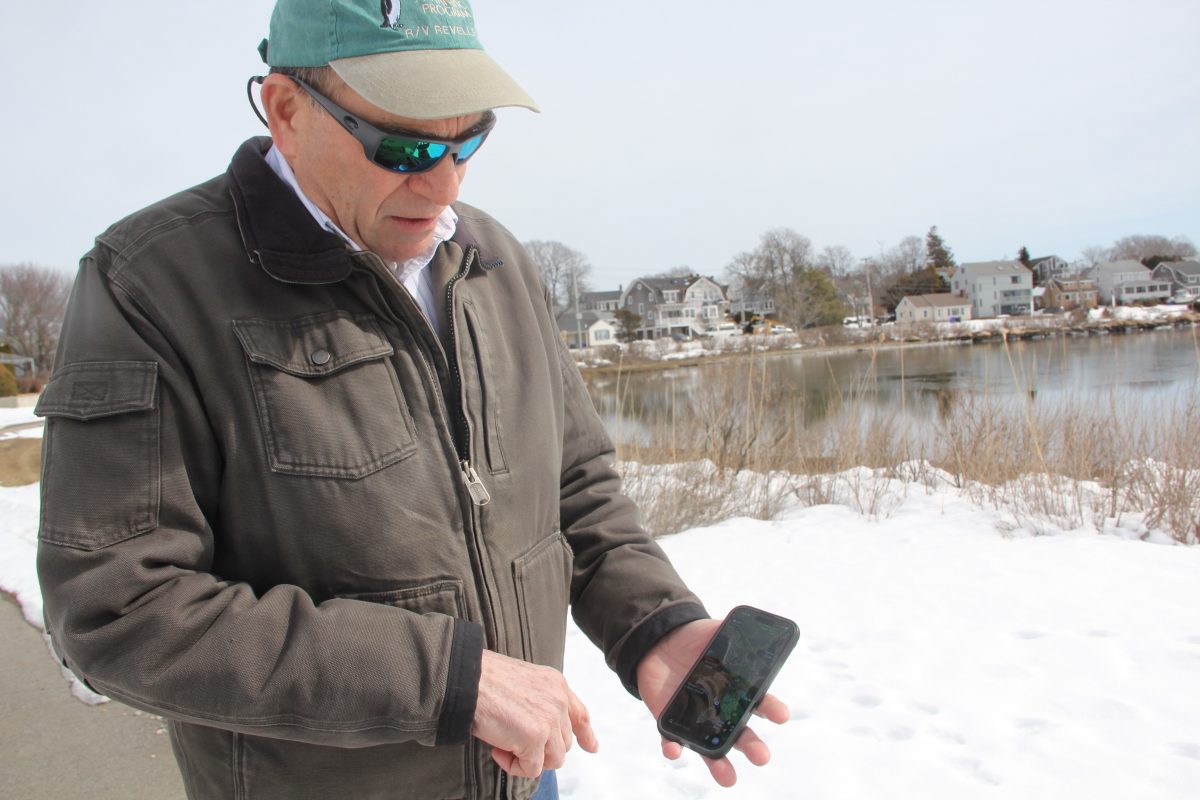
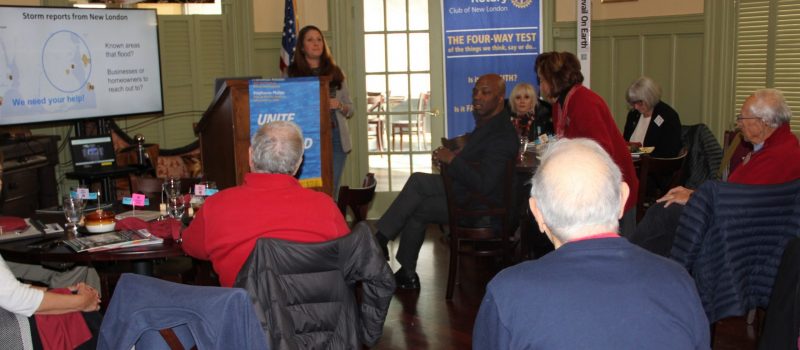
MyCoast CT: tapping communities to verify need for resilience projects
Photos can be powerful storytellers, even for the photographers themselves. Just ask Joe Orchardo. Often on daily walks with his wife around their shoreline neighborhood of Groton Long Point, he’ll snap a photo or two on his cell phone and upload them to MyCoast Connecticut.
[Read More]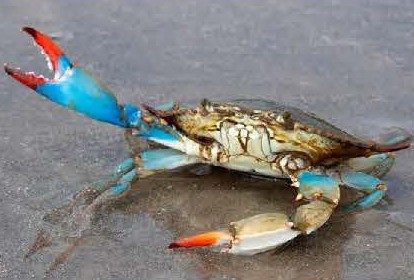
Field-based ecology teacher workshop planned for May 8
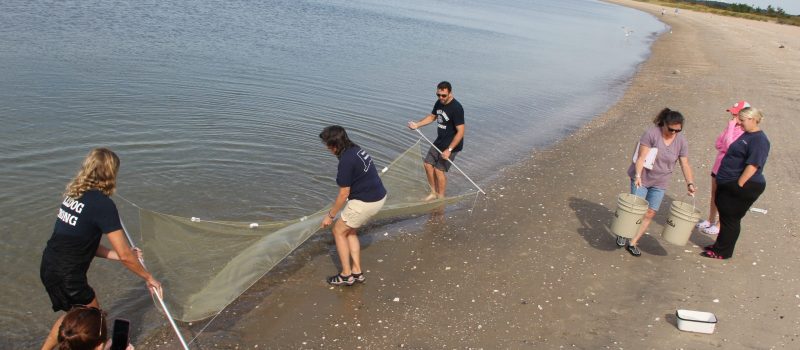
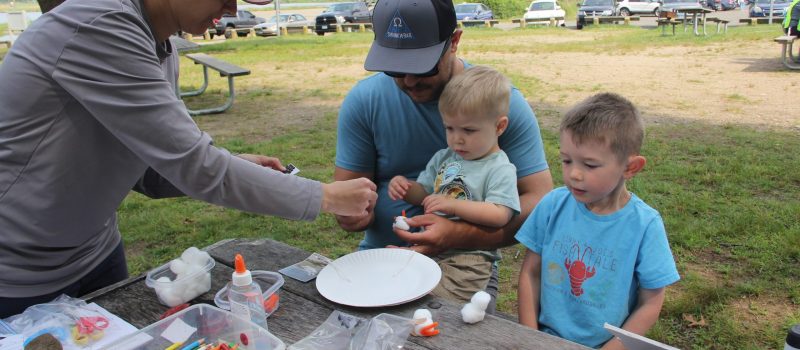
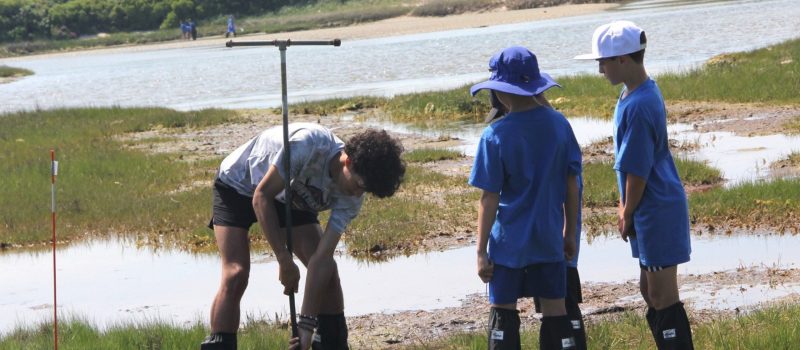
“Field-Based Ecology Along Long Island Sound,” a one-day, field-based ecology workshop at Hammonasset Beach State Park in Madison will take place from 8:30 a.m. to 2:30 p.m. on May 8.
[Read More]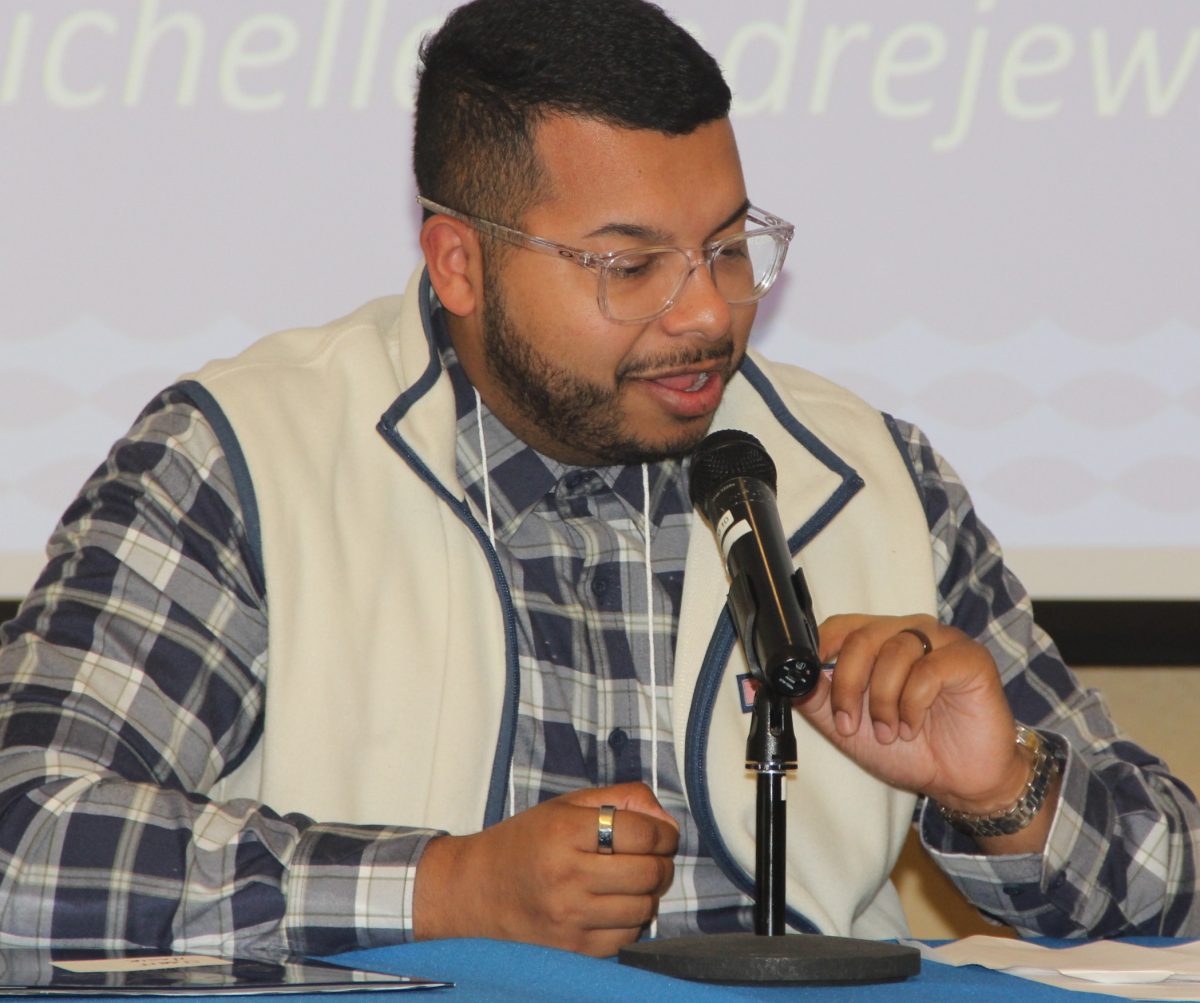
Funding workshop: matching resilience needs with grants
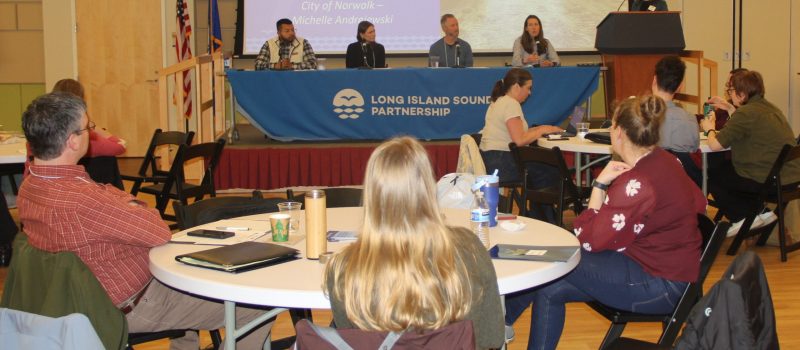
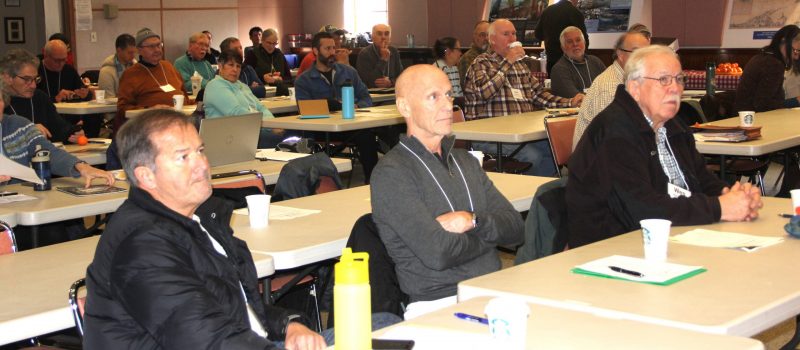
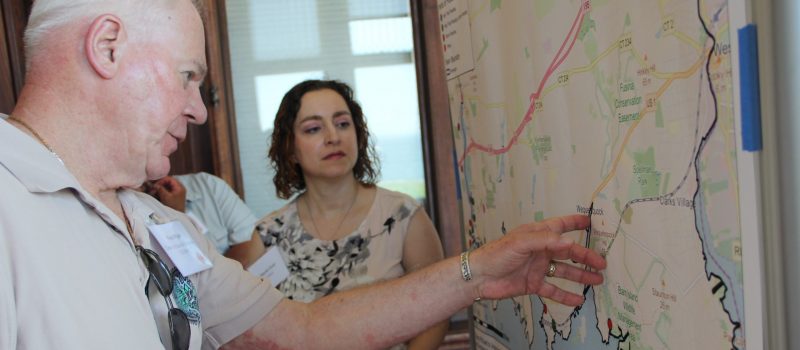
The 62 people gathered at Gateway Community College came from urban, rural and suburban communities of all income levels, yet had some important characteristics in common. “Who cares about resilience?” asked CTSG Director Sylvain De Guise at the 3rd annual SRC Funding Workshop.
[Read More]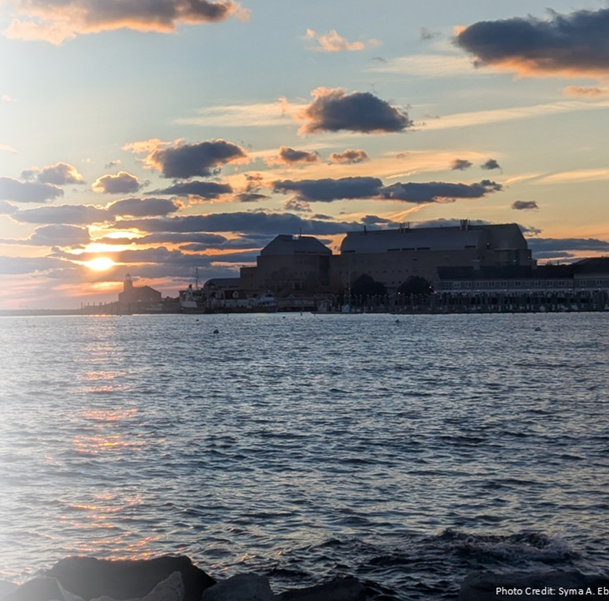
Abstract deadline extended! Registration now open!
Abstract submission deadline for the 2026 Long Island Sound Research Conference extended to April 10. Abstracts are being sought on four themes of the LIS Partnership Comprehensive Conservation and Management Plan. Registration for the conference now open!
[Read More]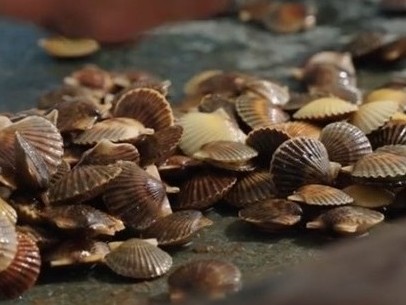
Bay scallop hatchery featured in new shellfish video
The Aquaculture Video Series continues with a more regional focus with a visit to a bay scallop hatchery on Martha’s Vineyard on a picture-perfect day.
[Read More]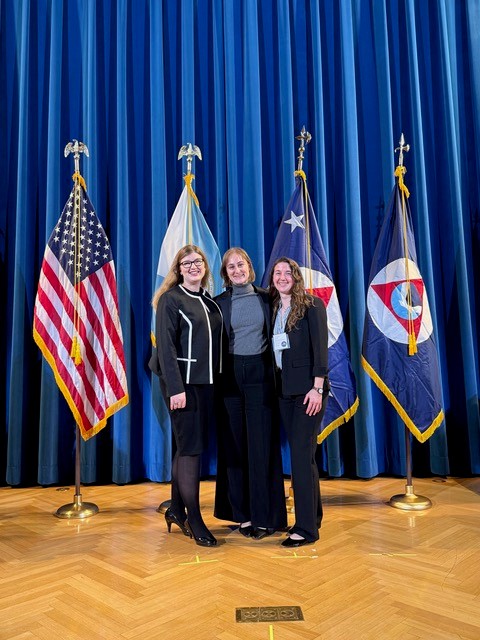
2027 Knauss Marine Policy Fellowship open for applications
The NOAA Sea Grant John A. Knauss Marine Policy Fellowship application period is open. Submission deadline is June 3, 2026. The fellowship provides a unique experience to graduate students with an interest in ocean and coastal resources and the national policy decisions affecting them.
[Read More]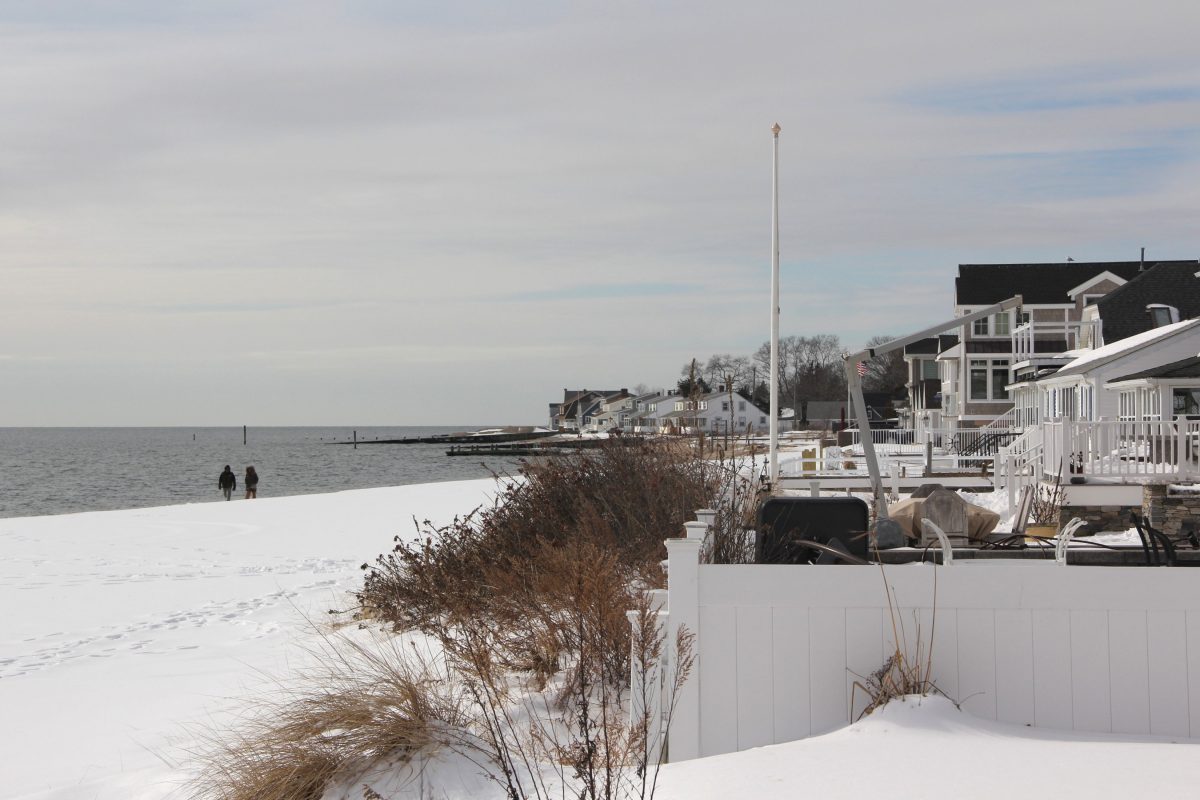
Two more shoreline towns awarded resilience planning funds
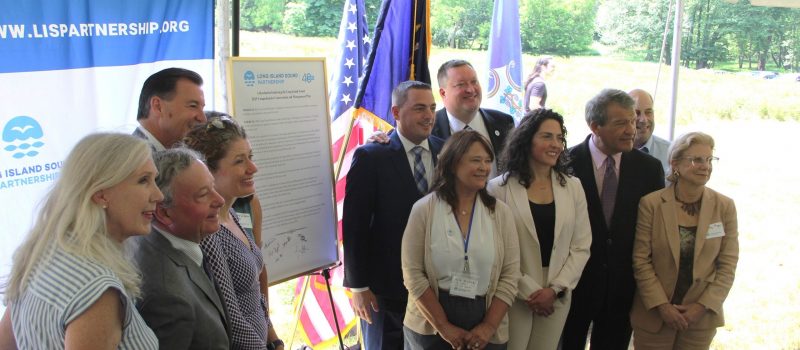
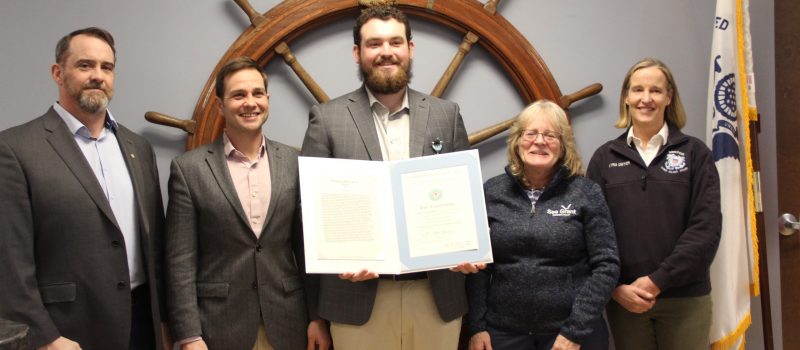
Branford and Old Lyme are the latest towns receiving support for resilience planning through a Long Island Sound-wide collaboration, joining 14 other awardees in Connecticut and New York announced in November.
[Read More]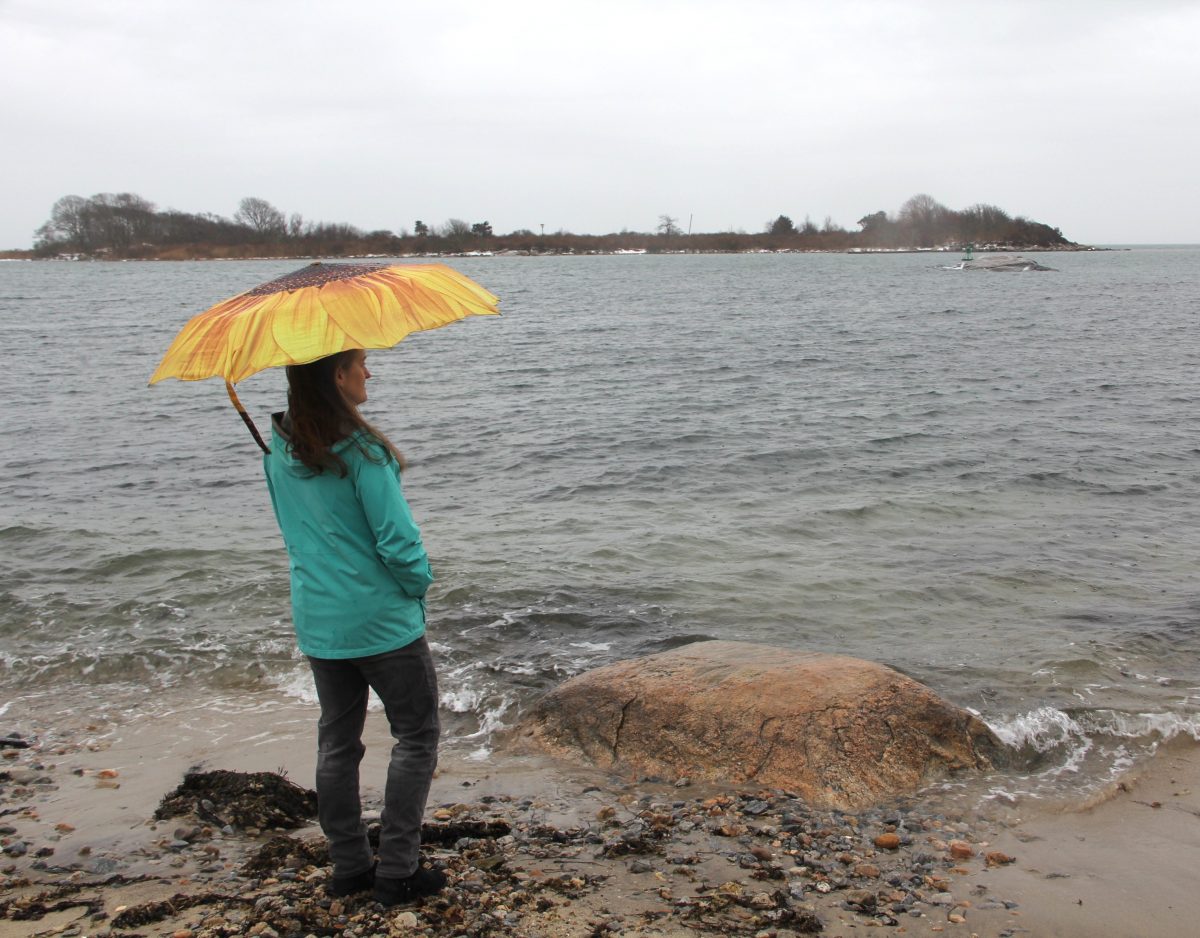
MyCoast Pilot Project Webinar: April Showers Bring…MyCoast!
Join this webinar to learn about the one-year-old Connecticut MyCoast pilot project, including a recap of the past year, updates on municipal activities and next steps for coastal Connecticut.
[Read More]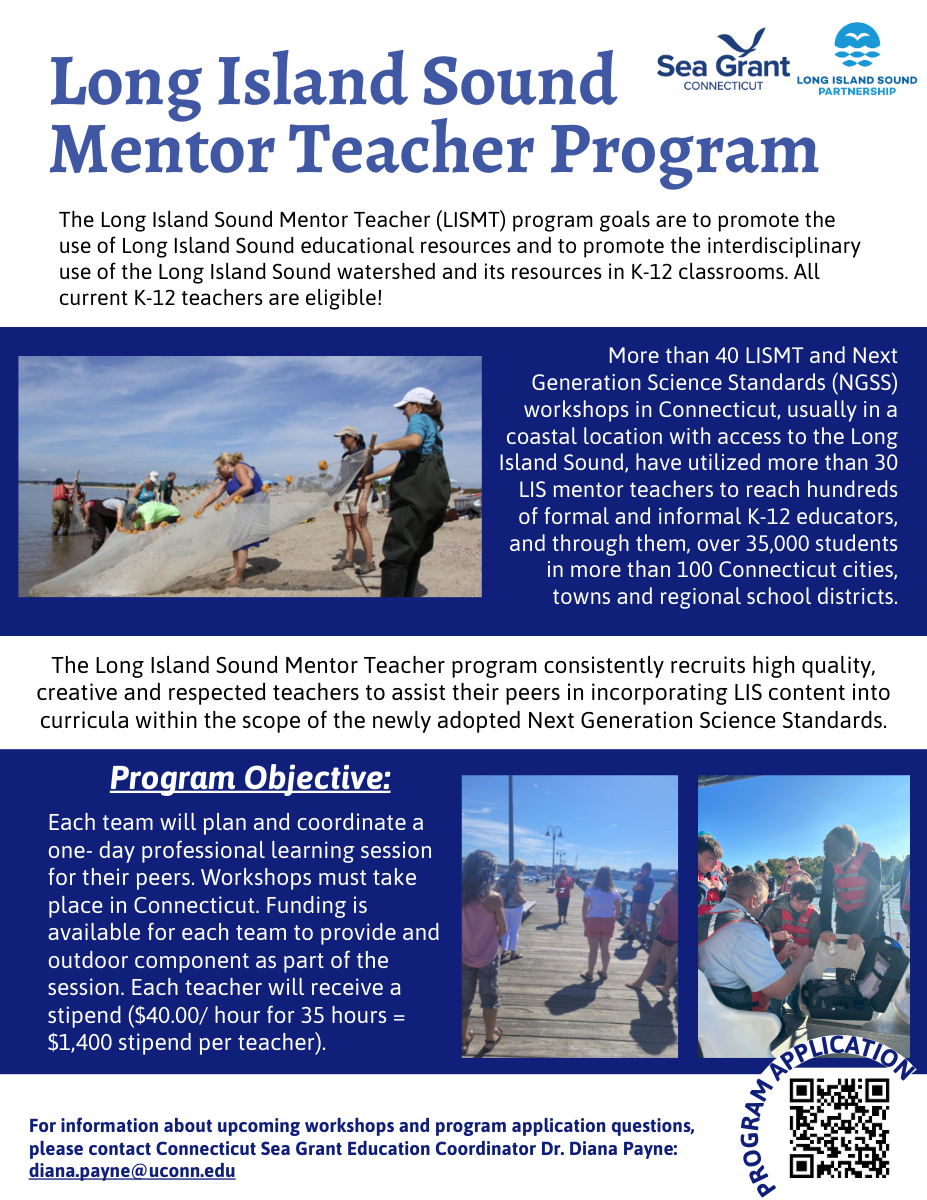
Long Island Sound Mentor Teacher program seeks applicants
Now in its 24th year, the Connecticut Long Island Sound Mentor Teacher (LISMT) program is seeking two teams of teachers to provide a professional learning workshop for their peers.
[Read More]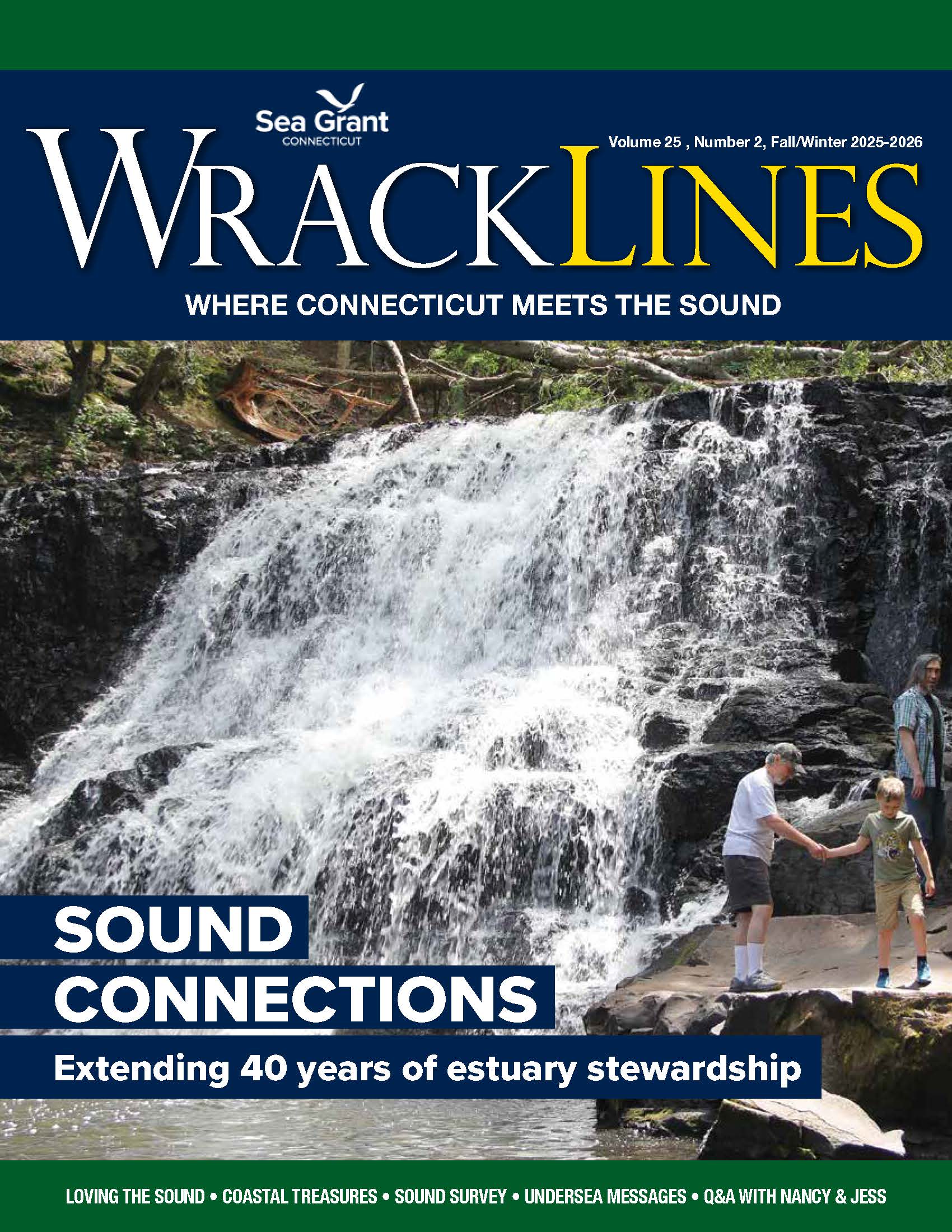
-
Apr17
-
Apr21
-
Apr22
-
Apr25